
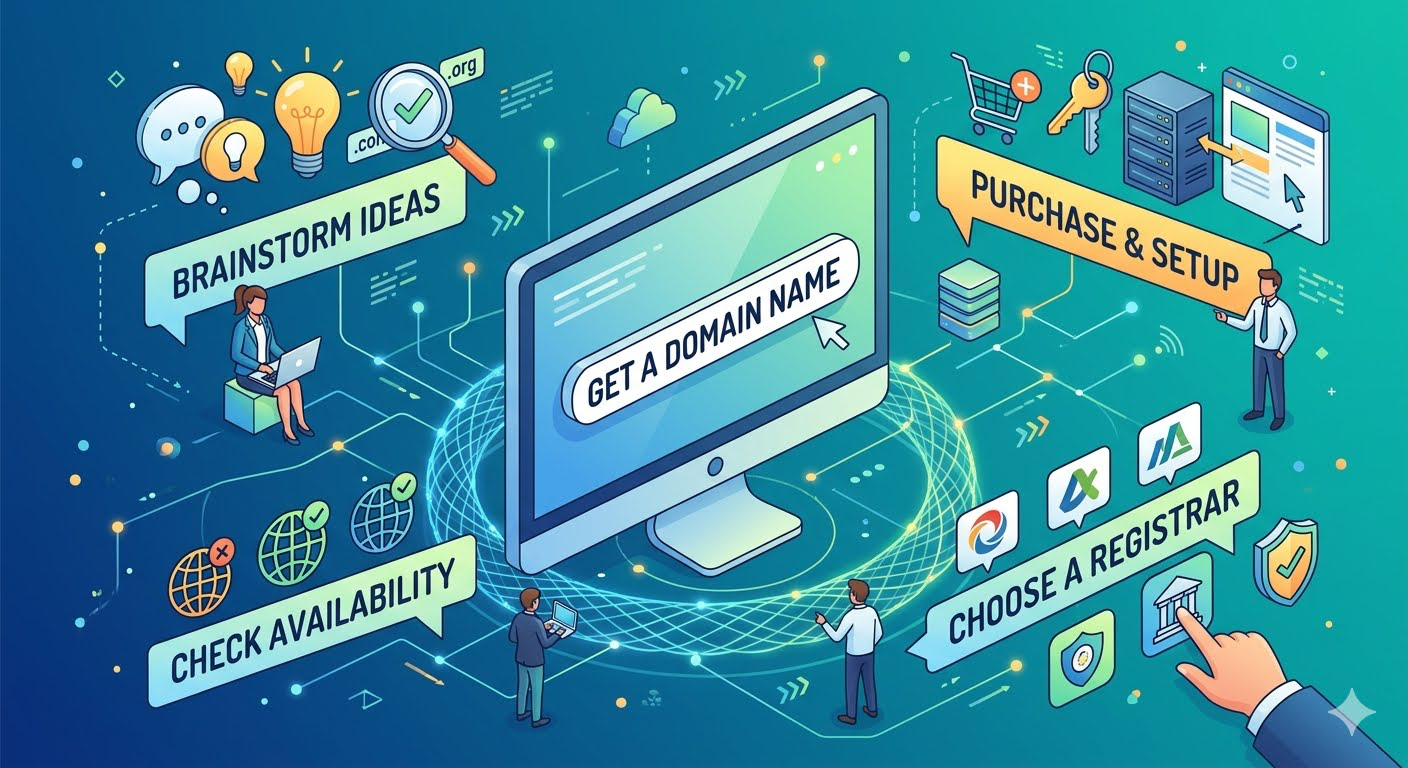
Need a Domain Name?
Securing the right domain name is your first step to establishing a memorable online presence. This guide covers everything from brainstorming a brandable name and picking the perfect extension to safely purchasing your digital real estate through Domain Registrar Comparison Tools.
Phase 1: Brainstorming Your Domain Name – Your domain is your digital calling card. Before you start buying, you want to make sure the name you choose is exactly right for your project or business.
1. Keep It Short and Simple: Aim for fewer than 15 characters, not including the extension (e.g. .COM, .NET, .ORG). Shorter domains are much easier to type, simpler to remember, and harder for visitors to misspell. So, this is still true even with the use of AI, having a number as the first character in a name will sort higher, or start with the letter ‘a’. Over the years this has become less important but can still bring an added edge versus your competitors. Just make sure it brings meaning, clarity and brand alignment. When I am trying to develop a new name, make a list of all the things this site is supposed to offer. Take that list a place in an AI prompt. Domain Name Search – Find & Register an Available Domain with GoDaddy
2. Pass the “Radio Test”: If you tell someone your domain name aloud, they should know exactly how to spell it without you having to explain it. Avoid awkward abbreviations, hyphens, and numbers, as these often lead to lost traffic.
3. Choose the Right Extension (Top Level Domain – TLD): While there are hundreds of domain extensions available, the .COM extension is still the gold standard for global recognition and trust. If the name is taken, don’t worry—getting a country-specific TLD or a highly specific industry extension is becoming increasingly popular and effective.
Phase 2: Choosing Where to Buy – When it comes to purchasing your domain, you can buy directly through a standalone domain registrar or bundle it with web hosting. Both methods work, but you should always compare initial and renewal prices, as many registrars offer cheap first-year rates but higher ongoing fees. I use GoDaddy, have for years. They are reliable and comms is pretty good.
Popular and Reliable Registrars:
- Namecheap: Widely known for affordability, intuitive navigation, and highly competitive pricing.
- GoDaddy: The industry giant with an incredibly massive selection of available domains and tools.
- Porkbun: A highly-rated, budget-friendly registrar that is beginner-friendly and transparent with pricing.
Phase 3: The Purchasing Process
Once you’ve settled on a name and a registrar, actually grabbing the domain takes just a few minutes.
- Search and Select: Use the search bar on your chosen registrar to ensure the domain is available. If your exact name is taken, the platform will suggest available alternatives.
- Add Privacy Protection: Your domain name will be tied to your personal contact details, which are publicly searchable in the WHOIS directory. Most registrars offer Domain Privacy (sometimes free) to hide your personal information and cut down on spam.
- Watch for Upsells: During checkout, registrars will try to sell you add-ons like custom email accounts, website builders, or premium security packages. Assess what you actually need to avoid unnecessary costs. If you are just starting out, make sure you get the minimal services you think you will need. Competition in this area is very high, so you can always call and make adjustments as needed. Don’t be shy, tell them you need better pricing or more services. They probably will give it to you.
- Set Up Auto-Renewals: You cannot “buy” a domain permanently; rather, you are renting it on an annual or multi-year basis. Enable auto-renewals so you don’t accidentally lose your domain name to the public if it expires.
Phase 4: What’s Next? Purchasing your domain is just the beginning. Once it’s secured, you will need to point your domain to your web hosting provider or connect it directly to your website builder (such as GoDaddy (What I use), Squarespace or Wix).
Pro Tip: If you are building a full brand, it’s a good idea to quickly check social media handles to ensure your domain matches your intended social media presence for consistent branding!